Less scrolling.
More going.
Five steps from “what’s on this weekend?” to standing in the crowd with your friends, wherever you are in Sydney.
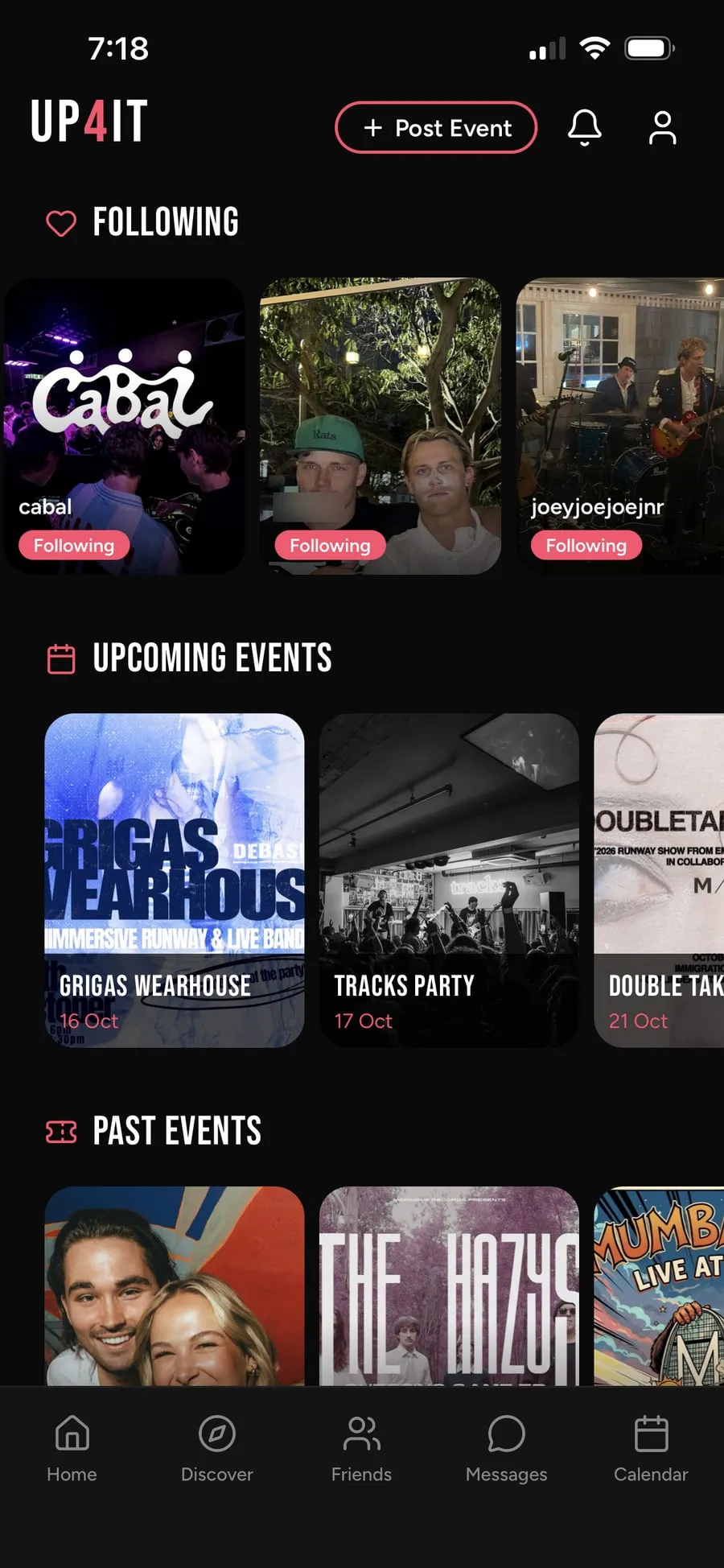
Tell it what you’re into
Live music, NRL, food festivals, fitness, comedy. Be specific: MMA fans see MMA, not every sport going. Then set your postcode and how far you’ll travel.
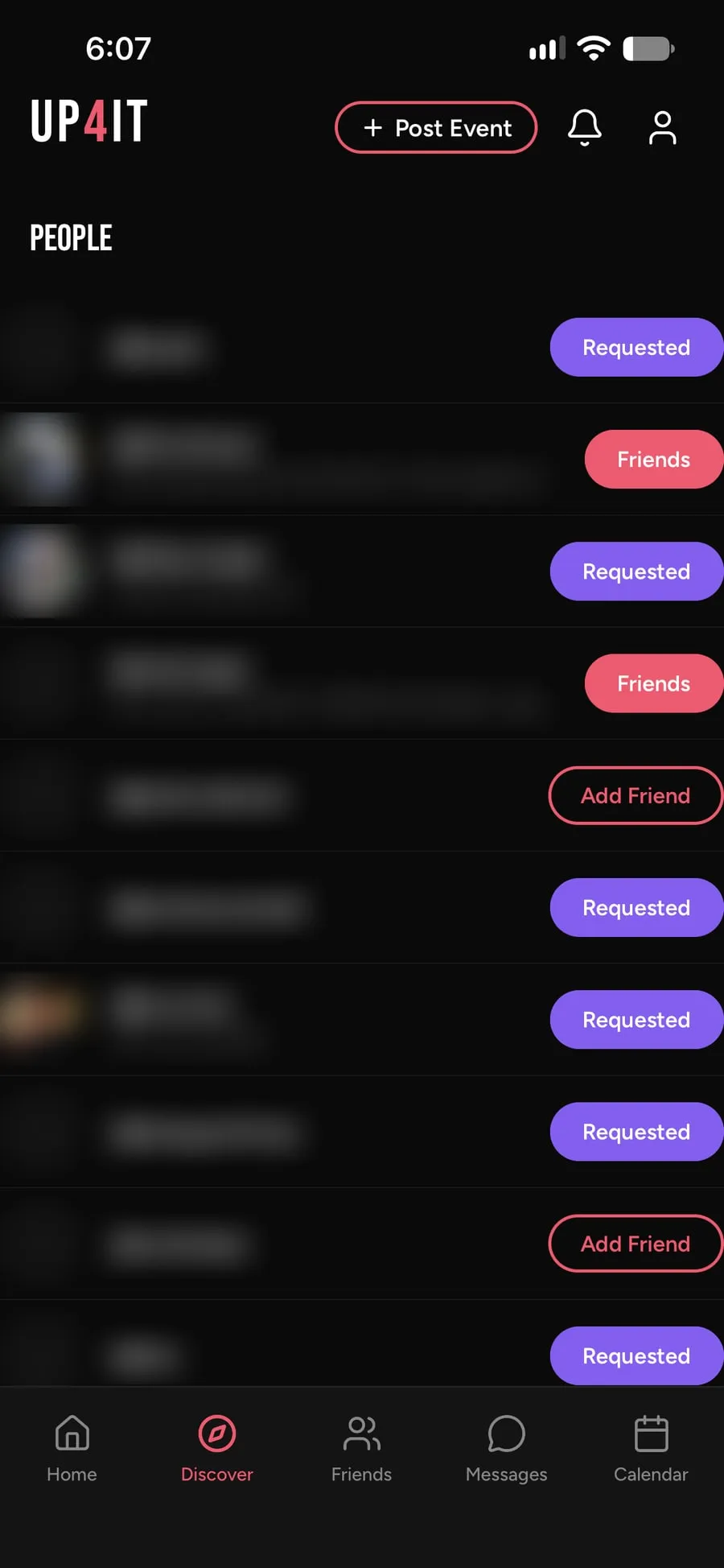
Connect with friends
Head to Discover and connect with the people you actually go out with. Once you’re connected, you’ll see each other on the events you mark as Going or Interested.
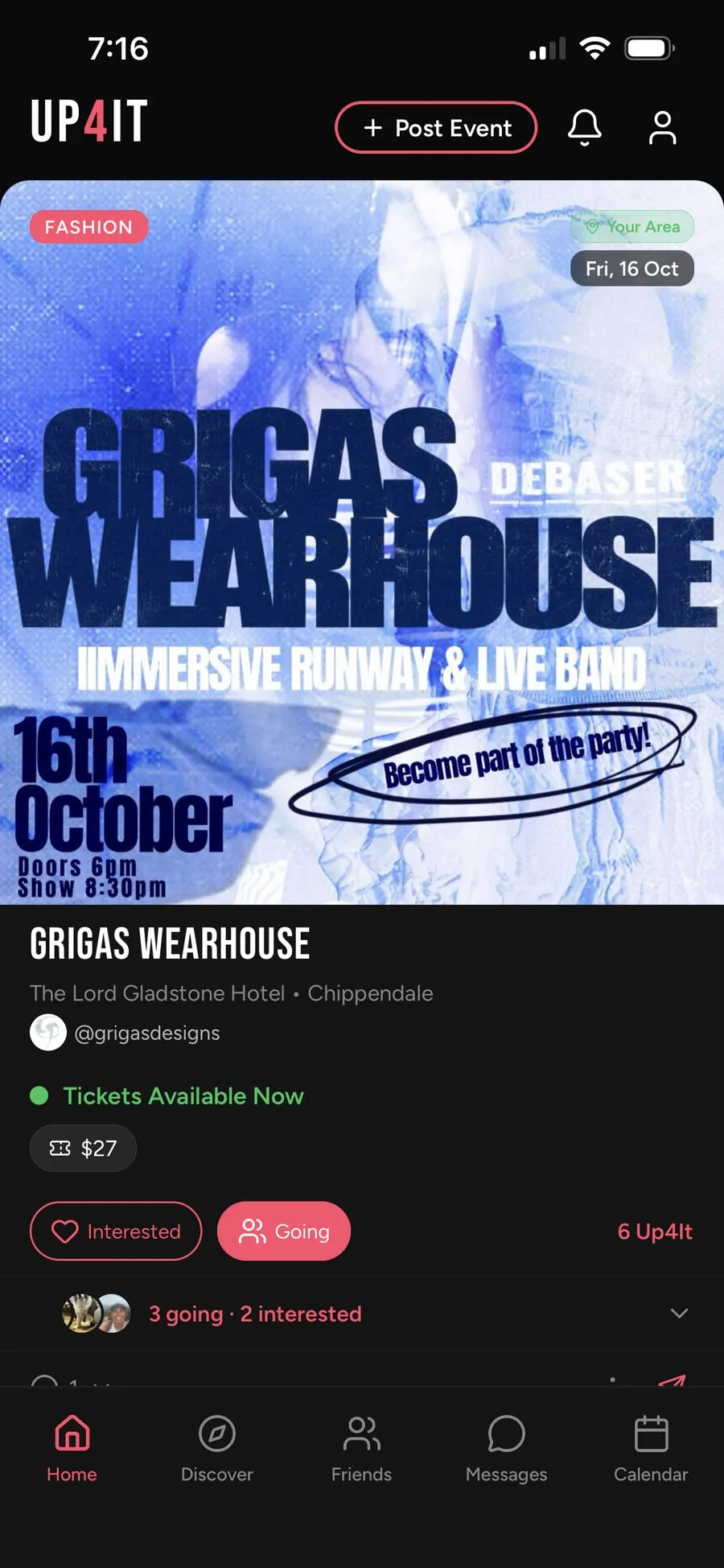
See what’s on near you
A feed of upcoming events matched to you, from the Northern Beaches to the rest of Sydney. Filter by date or suburb, or search for something specific.
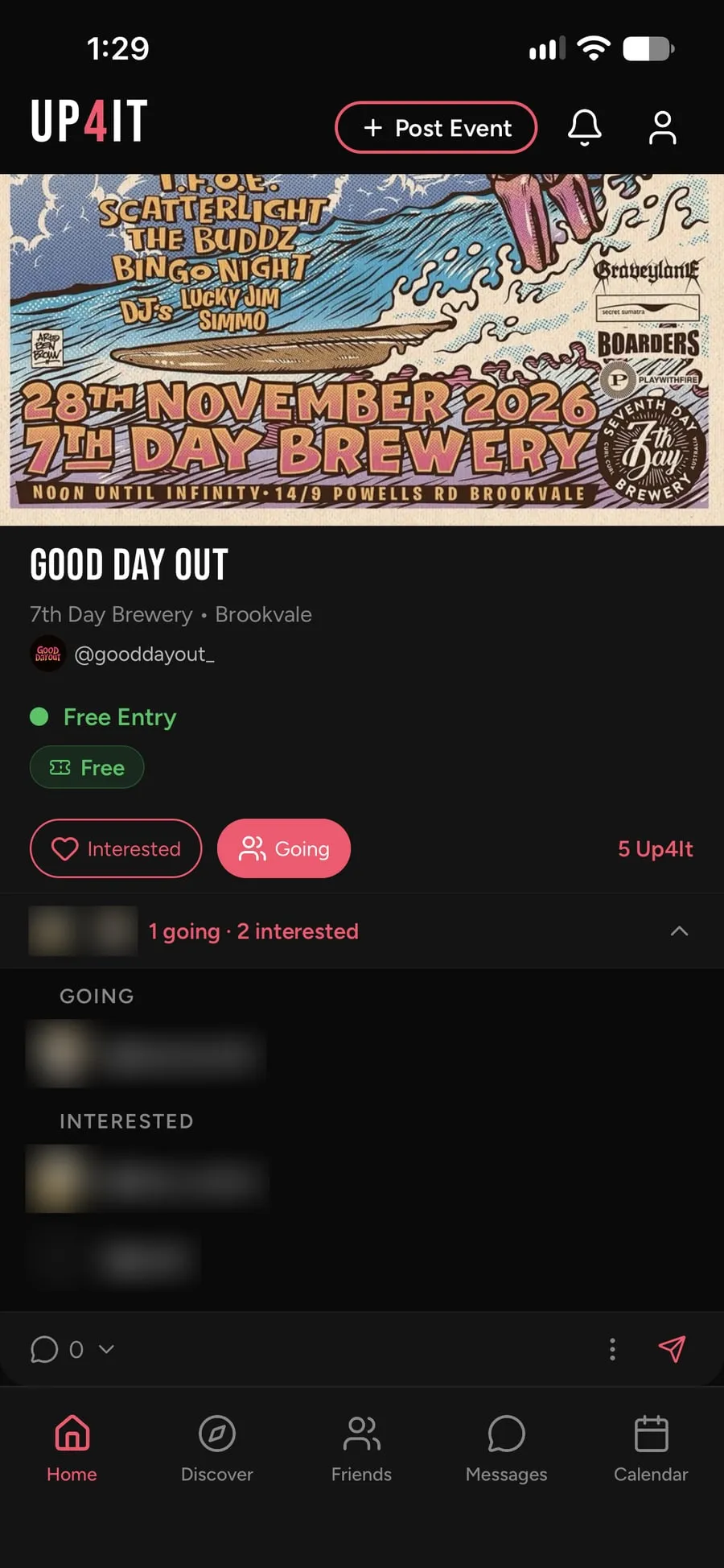
Find out who’s Up4It
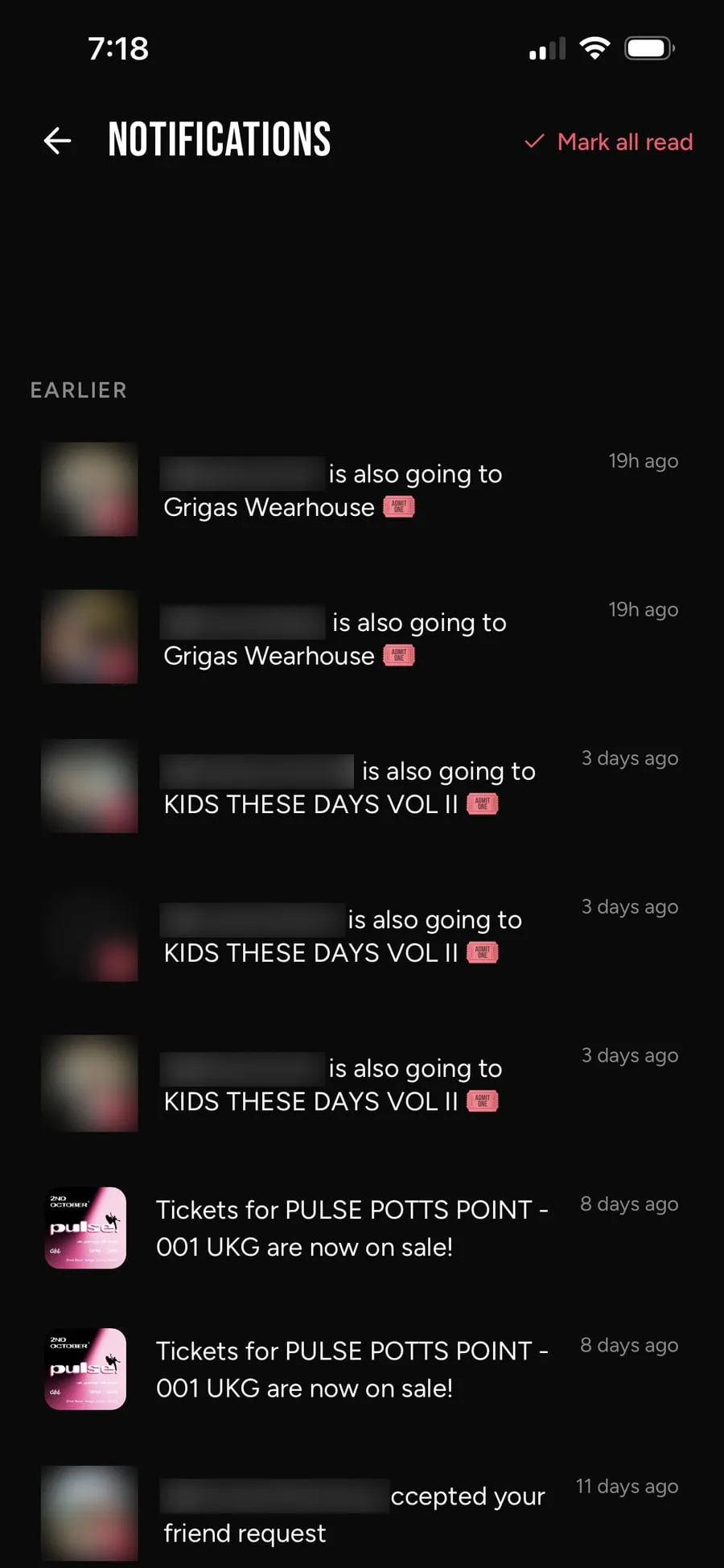
Every event shows which of your friends are going or interested. You’ll get a heads-up when a friend is going to the same thing as you.
Make the plan. Then go.
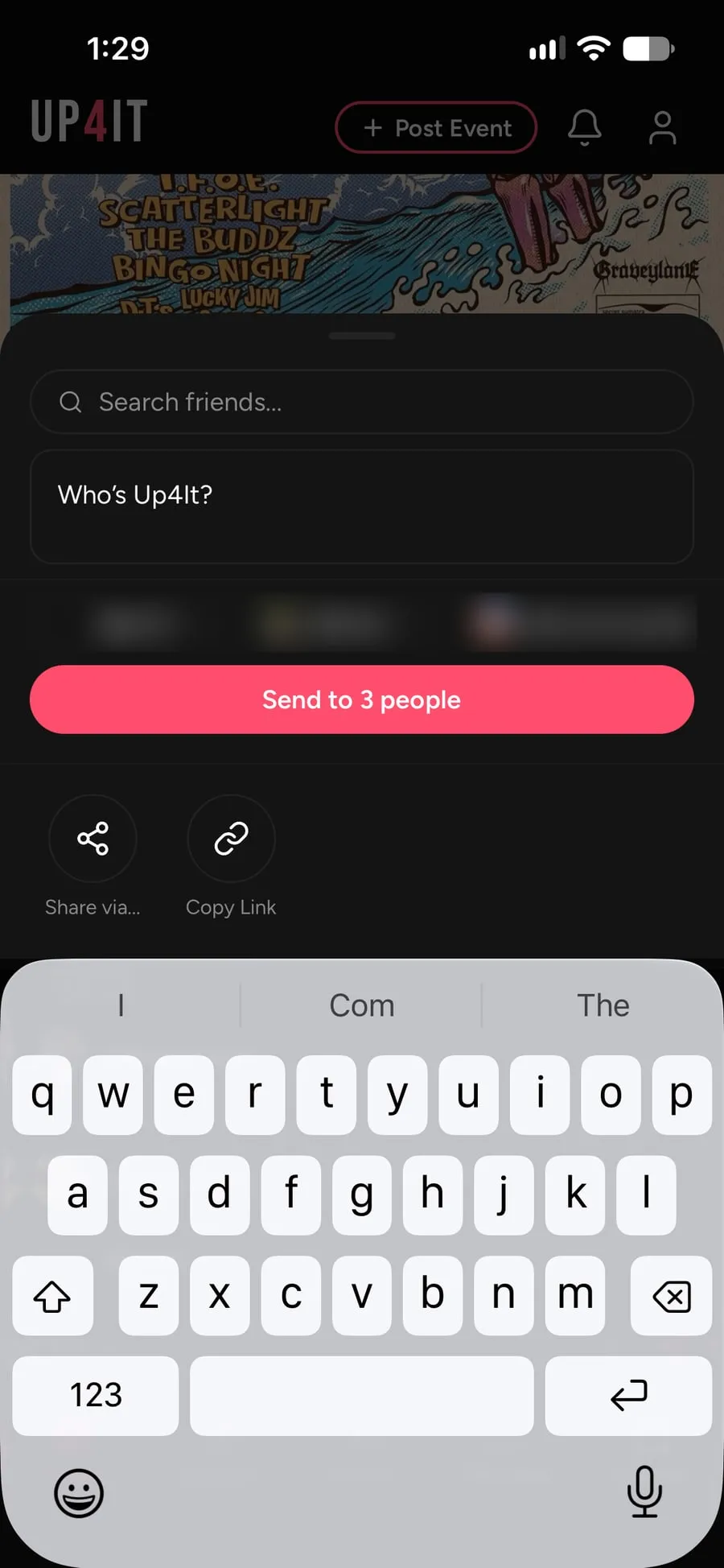
Send an event to friends, start a group chat, and keep track of it all in one place.
- Who’s Up4It? Share any event straight to your friends.
- Ticket drops. A countdown to on-sale, and a notification when they land.
- Apple Calendar. Mark tickets as purchased and it’s added to your iPhone calendar.
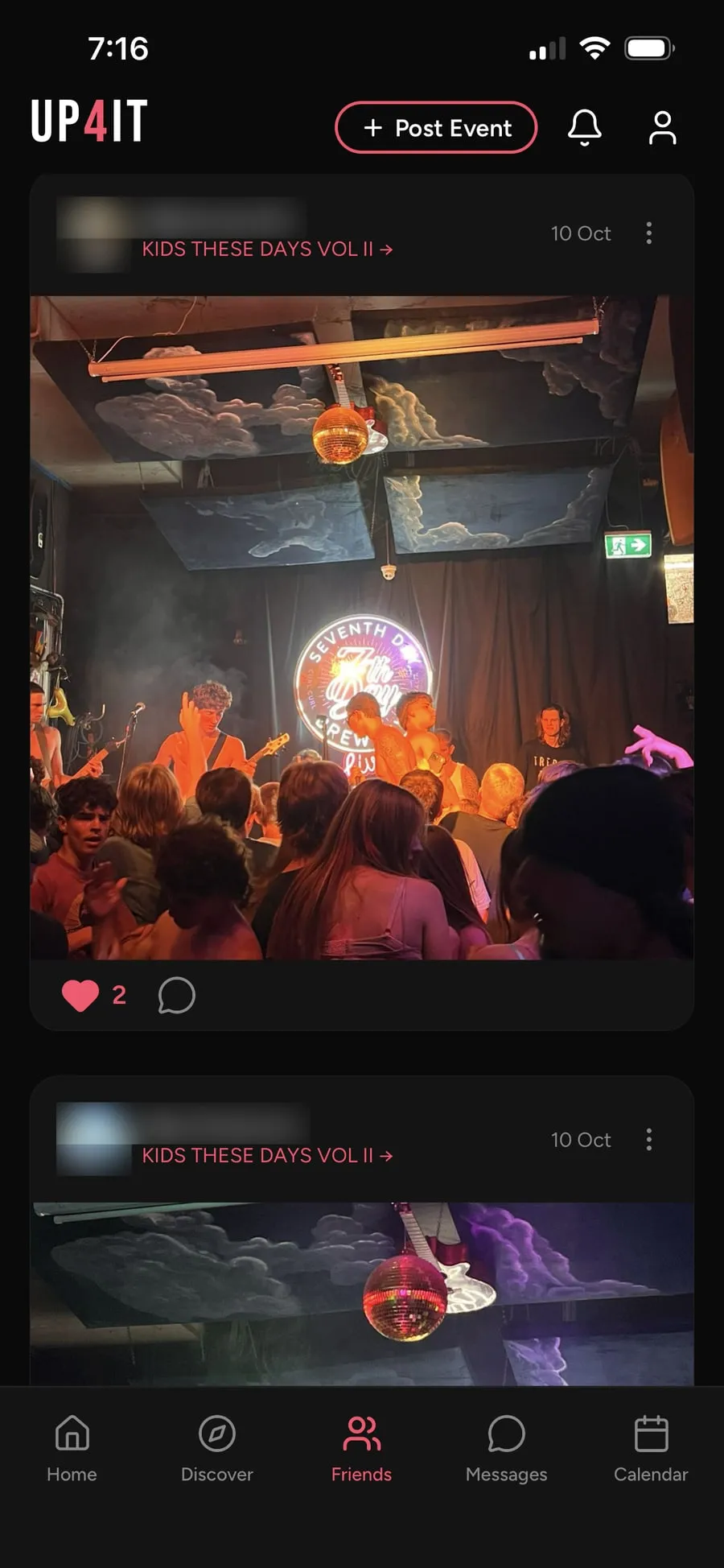
- Afterwards. Share your photos and relive the night with your friends.

Are you
Up4It?
Find out who’s Up4It.
Download on the App Store